如何为 Amazon 商品评论视频添加可读字幕
How to Add Readable Captions to Amazon Product Review Videos
为 Amazon 商品评论视频添加可读字幕,需从原始录制出发校正措辞、让每句字幕与音频同步,并把文字移开商品细节位置。字幕应传达口播内容与相关声音,功能标签不能替代完整字幕轨道。导出后需在手机正常尺寸下分别以静音和有声状态检查,并核对否定词、型号与单位是否与音频一致。
By Zeeshan · Last updated October 30, 2026
Direct answer: To add readable captions to an Amazon product review video, start from the actual recording, correct the wording, synchronize each phrase with its audio and position the text away from the product detail. Check the export at normal phone size with sound off and then on. Feature labels alone are not a complete caption track.
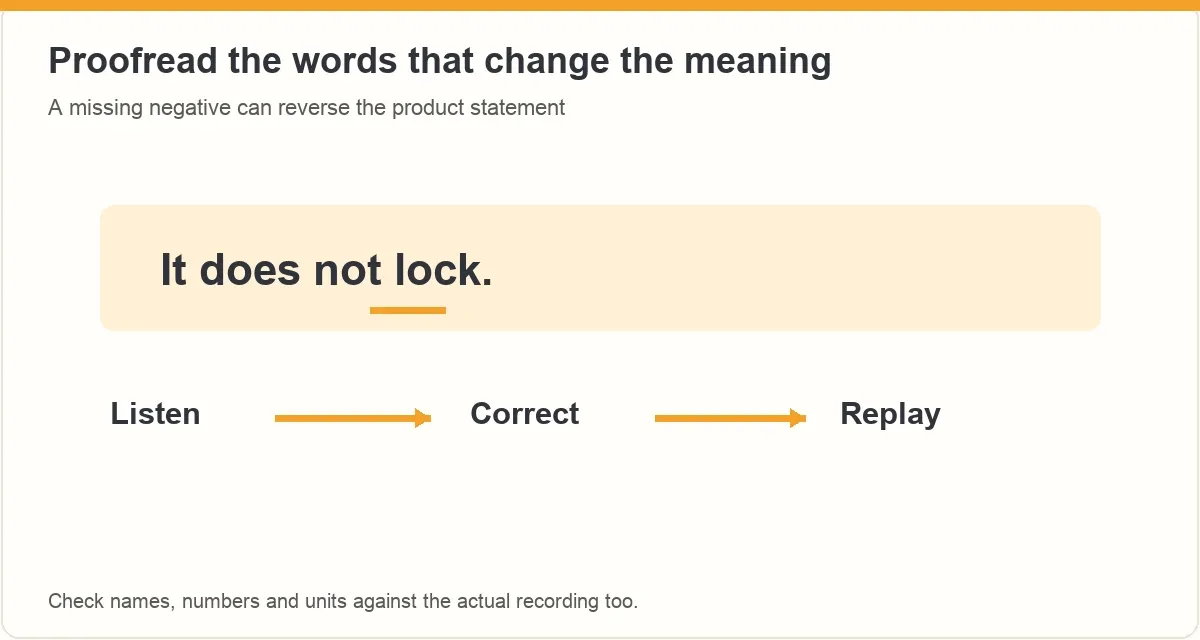
“It does not lock” and “it does lock” are one short word apart. An automatic transcript can miss that word while the finished video still looks polished. Start with the meaning of the recording, then make the text readable without covering the pocket, hinge or control you are explaining.
If you want help structuring the demonstration before editing, see the current ACE training page.
In this guide
- Are you adding captions or feature labels?
- How do you prepare an accurate transcript?
- Where should the text sit in the frame?
- How do you check timing and reading pace?
- Which styling choices make the words easier to read?
- What should you proofread beyond spelling?
- What should you check on the final export?
- Frequently asked questions
Are you adding captions or feature labels?
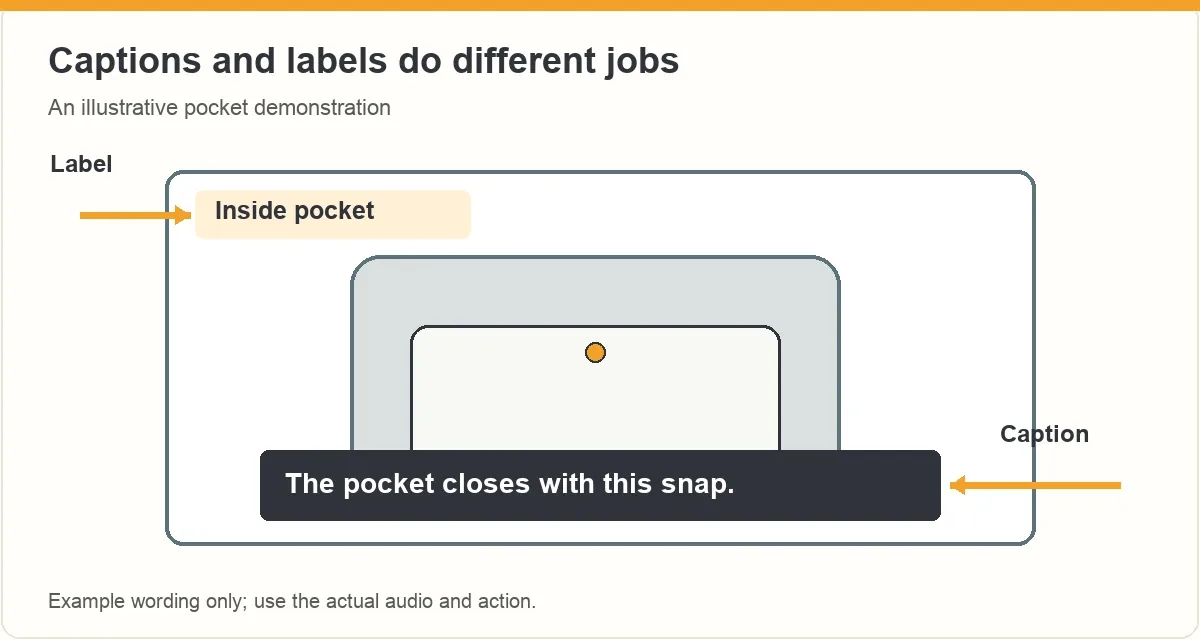
A feature label names something on screen, such as “inside pocket.” Captions convey the spoken content and relevant sounds. A label may help a shopper find a feature, but it cannot replace the explanation they would otherwise hear.
The W3C’s caption guidance distinguishes captions that viewers can switch on from open captions that remain visible. Which delivery method you can use depends on the actual editor and publishing surface. Do not assume an account accepts a separate caption file or that an automatic track will appear.
For a product demonstration, decide what the viewer needs to understand when sound is unavailable. Keep a short feature label for orientation if useful, then make sure the spoken explanation is available in the caption treatment you choose.
How do you prepare an accurate transcript?
Work from the final spoken take. A script is a useful starting point, but the recording may include a changed unit, an extra condition or a corrected observation. Match the text to what was actually said.
- Listen once without editing to understand the full explanation.
- Correct product names, model identifiers and unfamiliar terms.
- Check short words that reverse meaning, especially “not.”
- Verify every number and unit against the actual audio.
- Include meaningful sounds when they carry information the shopper needs.
If the spoken claim itself is wrong, fix the explanation rather than quietly changing only its caption. Otherwise a viewer listening to the audio receives a different account from a viewer reading the text. Preserve any limitation that makes the statement accurate.
Where should the text sit in the frame?
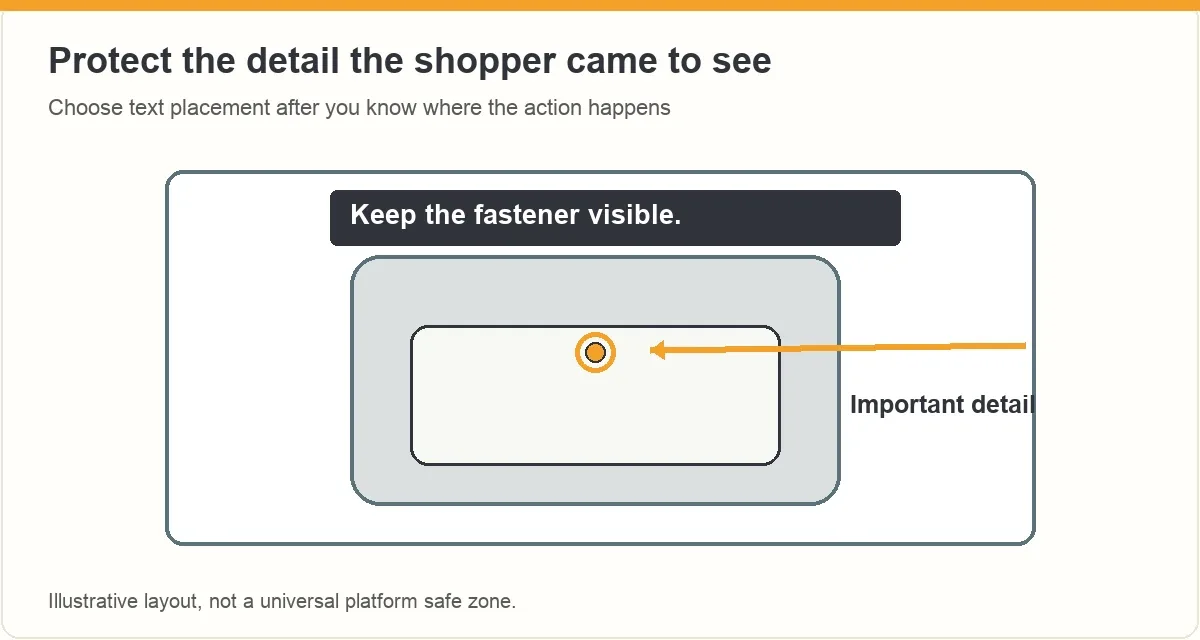
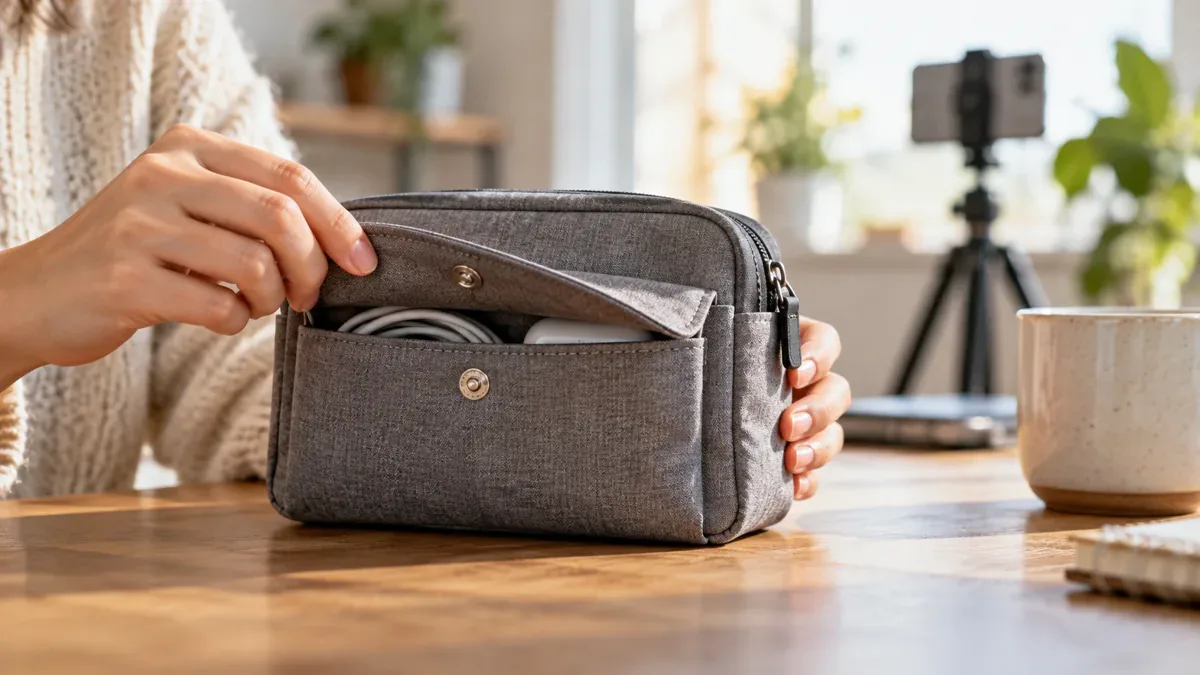
Choose the position after you know where the useful action happens. A standard lower strip may work for a standing presenter and cover the entire zipper in a tabletop shot. Move the text or reframe the shot instead of asking viewers to infer what happened underneath it.
| Demonstration | Detail to protect | Text check |
|---|---|---|
| Pocket opening | Fastener and fingers | No words across the connection |
| Control change | Selected mode or indicator | The label stays visible |
| Measurement | Both endpoints and unit | Text does not cover the reading |
| Whole-product view | Outline and normal use | The caption does not become the main subject |
There is no universal safe rectangle in this guide. Player controls and crops can differ. Inspect the actual upload preview and the exported frame, and keep text within a comfortably readable area without relying on a guessed platform overlay.
How do you check timing and reading pace?
Let a phrase appear while the corresponding words are spoken. Keep it long enough to read naturally, then remove it when the next phrase or action changes the meaning. Avoid a leftover sentence describing the previous product state.
Break a long explanation at sensible phrase boundaries. “The pocket closes / with this snap” is easier to follow than a break between “this” and “snap.” Keep the wording accurate rather than deleting conditions just to make every caption fit one line.
Watch the export at normal speed without pausing. If you cannot read it while following the hand action, shorten the spoken explanation, adjust the timing or divide the shot. A tiny font is usually a poor solution to an overcrowded frame.
Which styling choices make the words easier to read?
Use a simple typeface and strong separation between the letters and the changing background. A quiet background panel or suitable outline can help when the product moves from a light surface to a dark one. Check the hardest frame, not only the first frame.
Keep the treatment consistent. Use emphasis sparingly so the product action remains visible. Animated words that jump over the feature may look energetic while making the demonstration harder to understand.
Amazon’s seller video article recommends simple text for people watching without sound. It does not establish a particular influencer caption workflow. Check the current requirements for your own account rather than copying seller-upload controls or treating this editing method as an acceptance guarantee.
What should you proofread beyond spelling?
Look for changed meaning: a missing negative, “can” instead of “cannot,” an incorrect model or a unit that the audio never used. Read the caption beside the action. A technically correct sentence can still mislead if it appears over a different product or after a condition has changed.
For relevant non-speech audio, describe the sound without turning it into an unsupported performance claim. A short “[snap closes]” can identify a meaningful action in an illustrative example. “Perfectly secure” is a product conclusion and needs evidence beyond the sound of a snap.
Automatic text needs human review. Keep the original recording and the corrected transcript together so later edits do not bring an old wording mistake back into the export.
What should you check on the final export?
- Names, numbers, units and negative words match the recording.
- Caption timing follows the corresponding speech or meaningful sound.
- The product feature remains visible throughout the action.
- Text stays readable over light and dark frames.
- Normal phone playback works without zooming or pausing.
- Required relationship disclosures remain clear in the video.
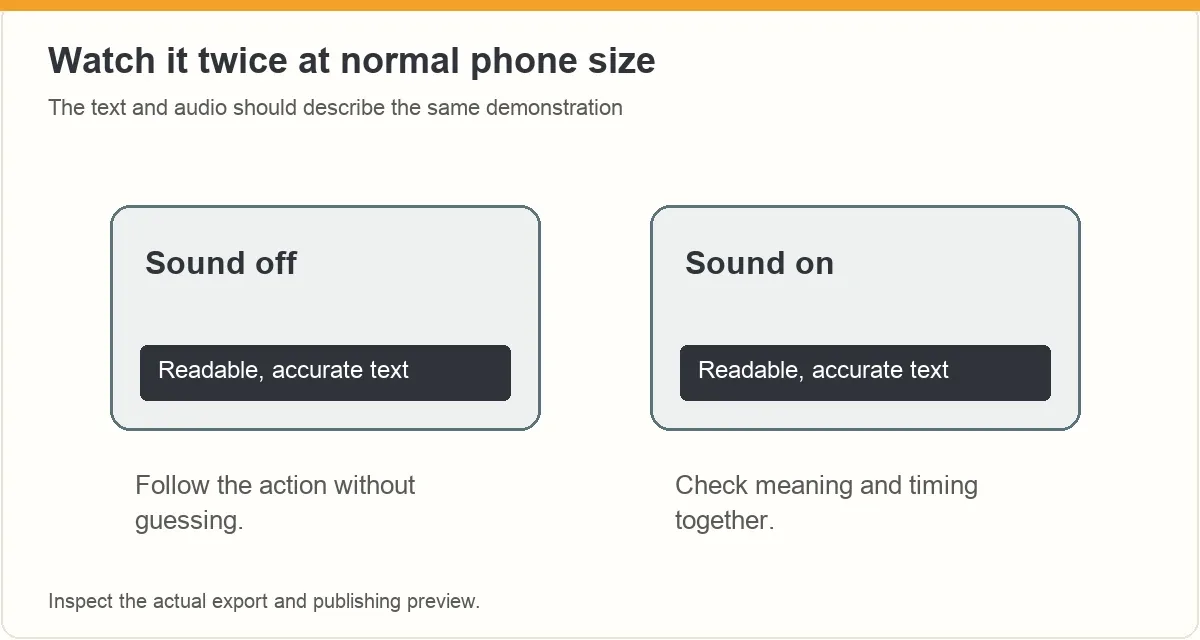
Check with sound off first, then with sound on. The FTC’s disclosure guidance notes that video endorsements need an in-video disclosure when a material relationship exists; captions are not a reason to hide it in a description. Use our script guide to keep narration and demonstration aligned before the next edit.
Frequently asked questions
Are feature labels enough for people watching without sound?
Not when important information is spoken but missing from the labels. A label such as “inside pocket” identifies a feature without explaining its use or limitation. Check whether the silent viewer can understand the same practical point, including relevant sounds, from the text and visible action.
Should I trust automatic captions without checking them?
Review them against the final recording. Pay particular attention to names, model identifiers, units and short words that change the meaning. A polished text animation can still contain a serious error. Correct the actual spoken explanation too if the underlying claim is inaccurate.
Can I use one fixed caption position for every shot?
Use a consistent position when it preserves the important detail. Move it or change the framing when the action occupies that area. Check each shot at phone size and review the actual publishing preview; do not assume the same controls or crop will apply everywhere.
Does this guide require a separate caption-file upload?
No. Verify the methods available in your account and editor. Open captions are built into the picture, while supported closed captions can be switched by the viewer. This article explains preparation and checking, not an unverified Amazon upload menu or a promise of platform support.
What should you do next?
Proofread the words that change the decision, then watch the product action under them. A readable, accurate caption should let the viewer follow the explanation without making the important detail disappear.
ACE from Zonbase is an Amazon product research agent for creators. It shows which products have real demand and few existing videos, then helps you plan what to film and say. Start the free ACE training to plan your next review video.
For more filming techniques, see how to show product size and fit, film reflective products and record product noise in Amazon review videos.
Write for the action on screen
Plan one clear demonstration before adding text. Explore ACE training for help connecting the product question, script and shot sequence.
ACE is separate from Amazon. Training does not guarantee Amazon acceptance, placement or earnings. Check the current page for availability and offer details.
来源:zonbase · zonbase.com